Resize Images Easily with Our Free Image Resizer Tool
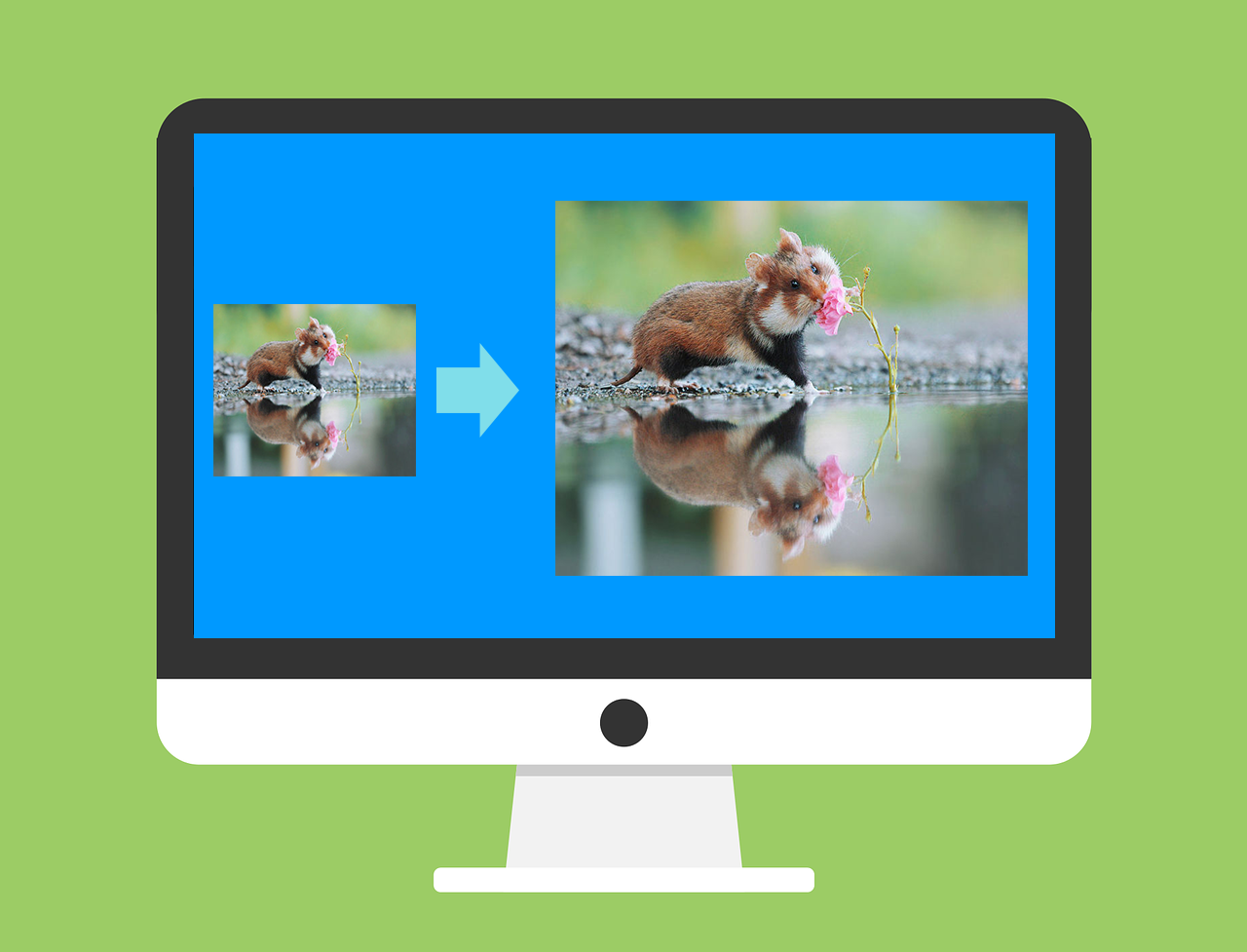
Need to resize images for your blog or social media? Our free online Image Resizer Tool makes it easy! Simply upload your image, choose to resize by pixels or percentage, and download the resized image in seconds.
 |
Why Use Our Tool?
- Fast and Easy: No software downloads required.
- Custom Dimensions: Resize images by specific width/height or percentage.
- Image Preview: See the uploaded and resized images before downloading.
- File Size Display: Compare the original and resized image sizes.
- Success Confirmation: Get a tick mark (✅) when the image is resized successfully.
- Light/Dark Mode: Choose a theme that suits your preference.
How to Use:
1. Click the "Choose an image" button below.
2. Select your image file (it will be displayed immediately).
3. Choose to resize by "Pixels" or "Percentage".
4. Enter the desired dimensions or percentage.
5. Click "Resize Image" and download your resized image.
Try it now:
Image Resizer Tool
Resize your images easily.
Let us know in the comments how this tool has helped you!

Comments
Post a Comment